Adjuster tools · Reference

The adjuster tool suite

Tools for working a property claim from first notice of loss to the finished packet. ClaimFlow is the system of record — a claim starts and ends there — and the other tools connect through its API. Two also ship as standalone Windows apps.

Maintained by Daniel Hale · Hale Group Updated July 2026 daniel@halegroup.ai
The system

ClaimFlow in the middle

Not a chain of seven apps — one system of record with tools attached. The claim never leaves ClaimFlow; the tools do their piece of the work against it.

Start and end · System of record

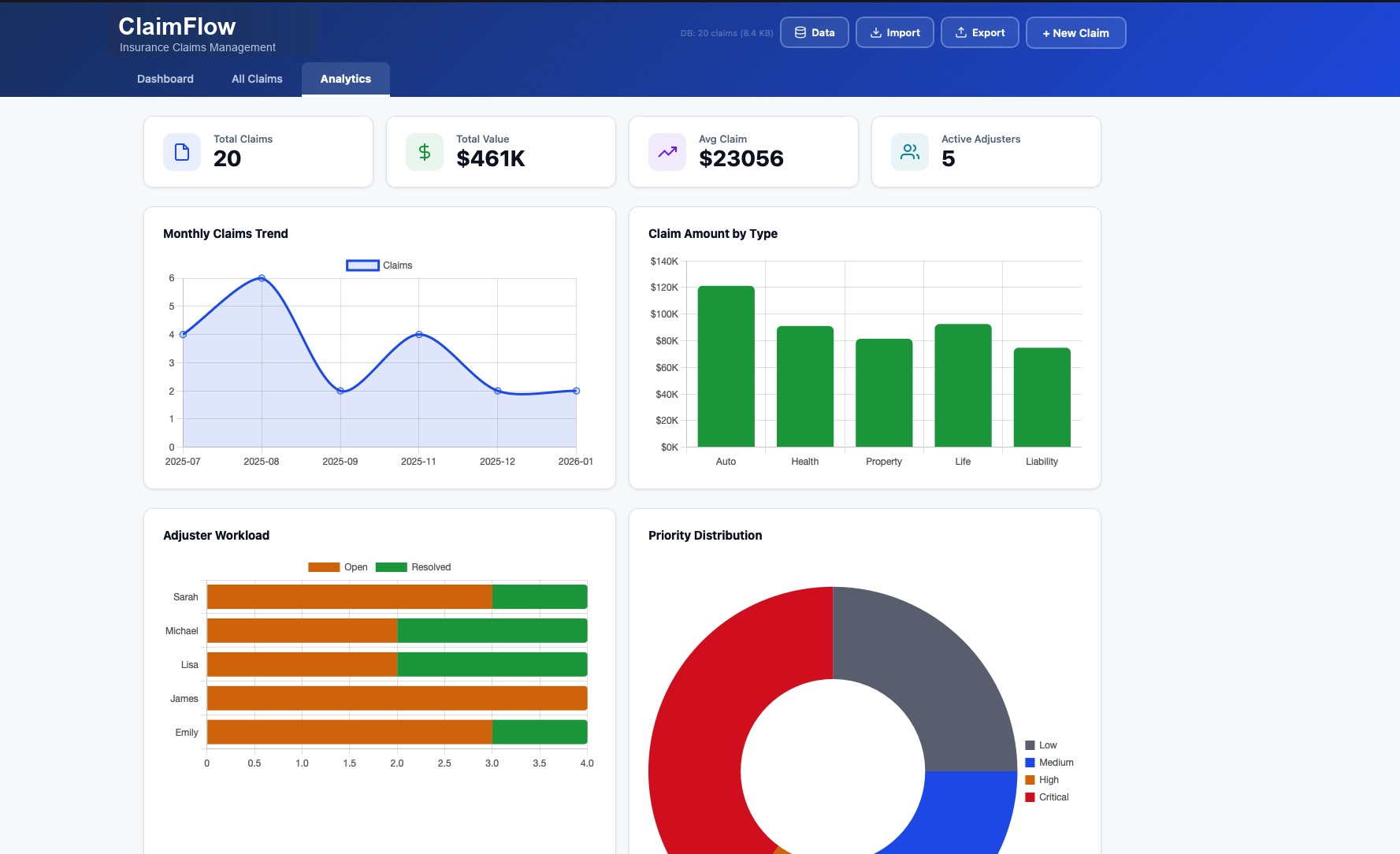
ClaimFlow

The claim opens here — the notice of loss is parsed on intake, built in. Status is tracked through the file's life, and the finished packet is filed here to close. Every tool below reads and writes against ClaimFlow — the single source of true information for the claim. Runs local.

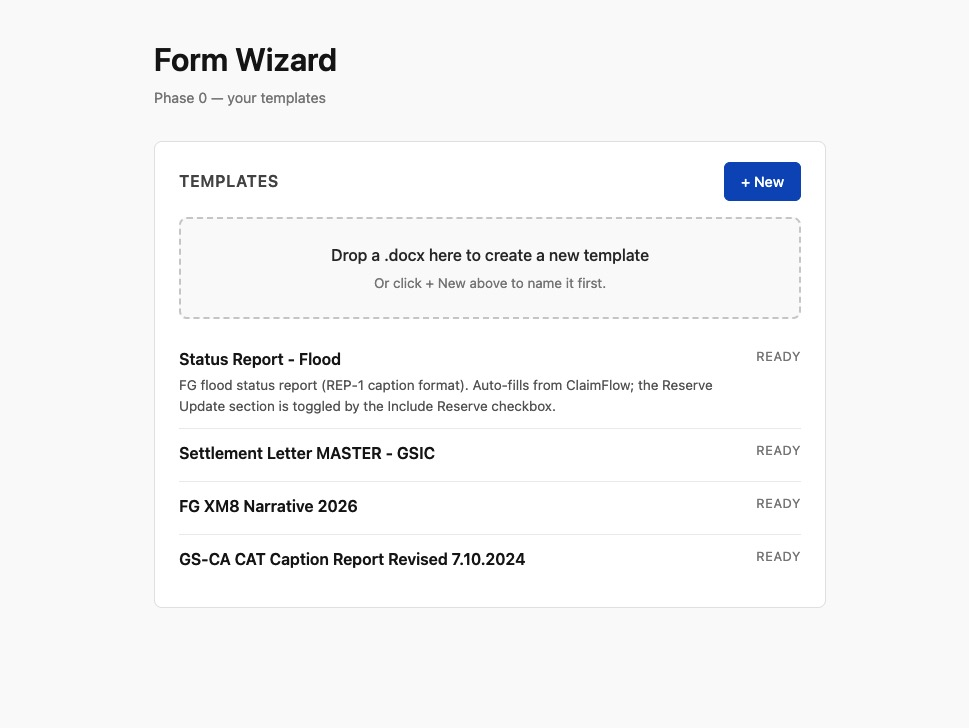
Form Wizard
Fills carrier and state forms from the claim fields
RUNS LOCAL
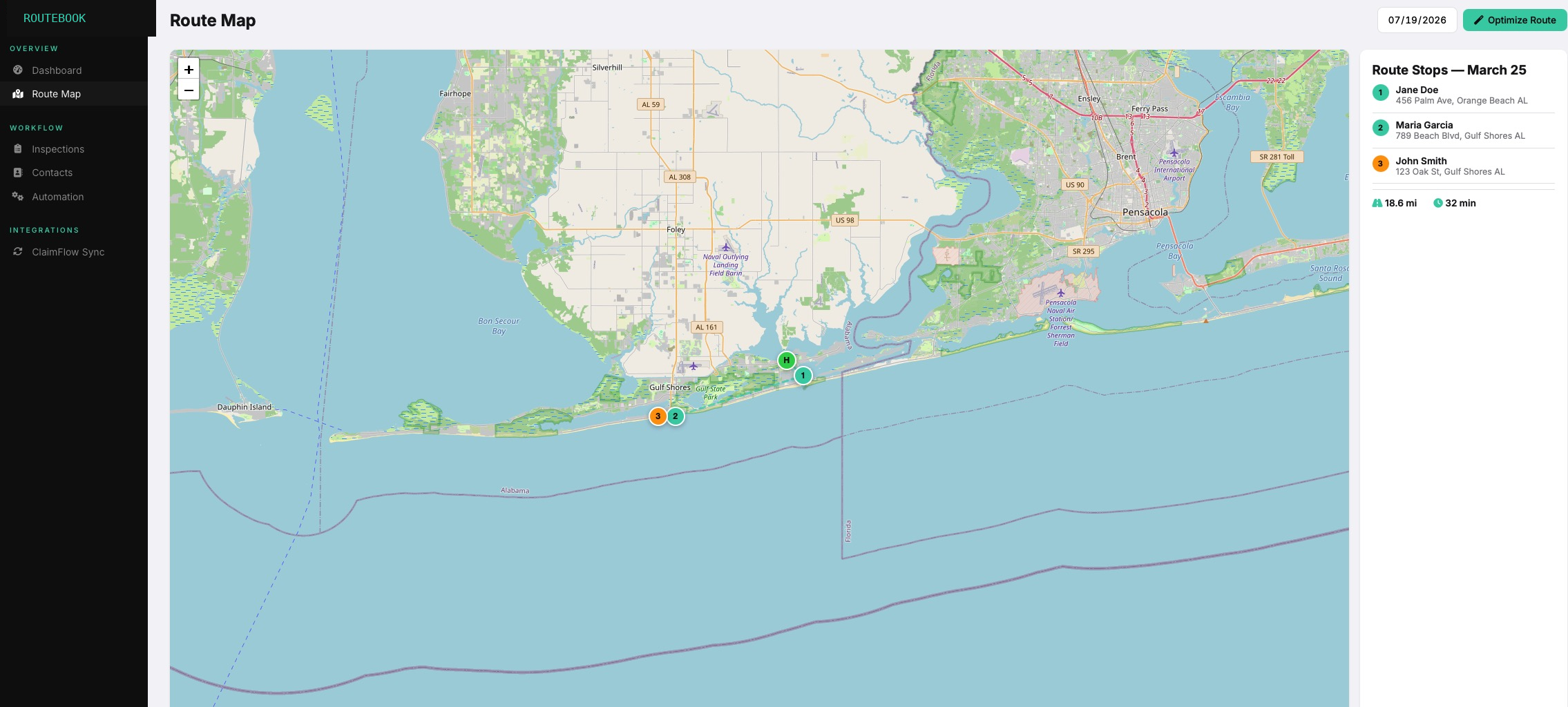
RouteBook
Voice capture on the drive and on site, filed to the claim
INTERNET · NO PII
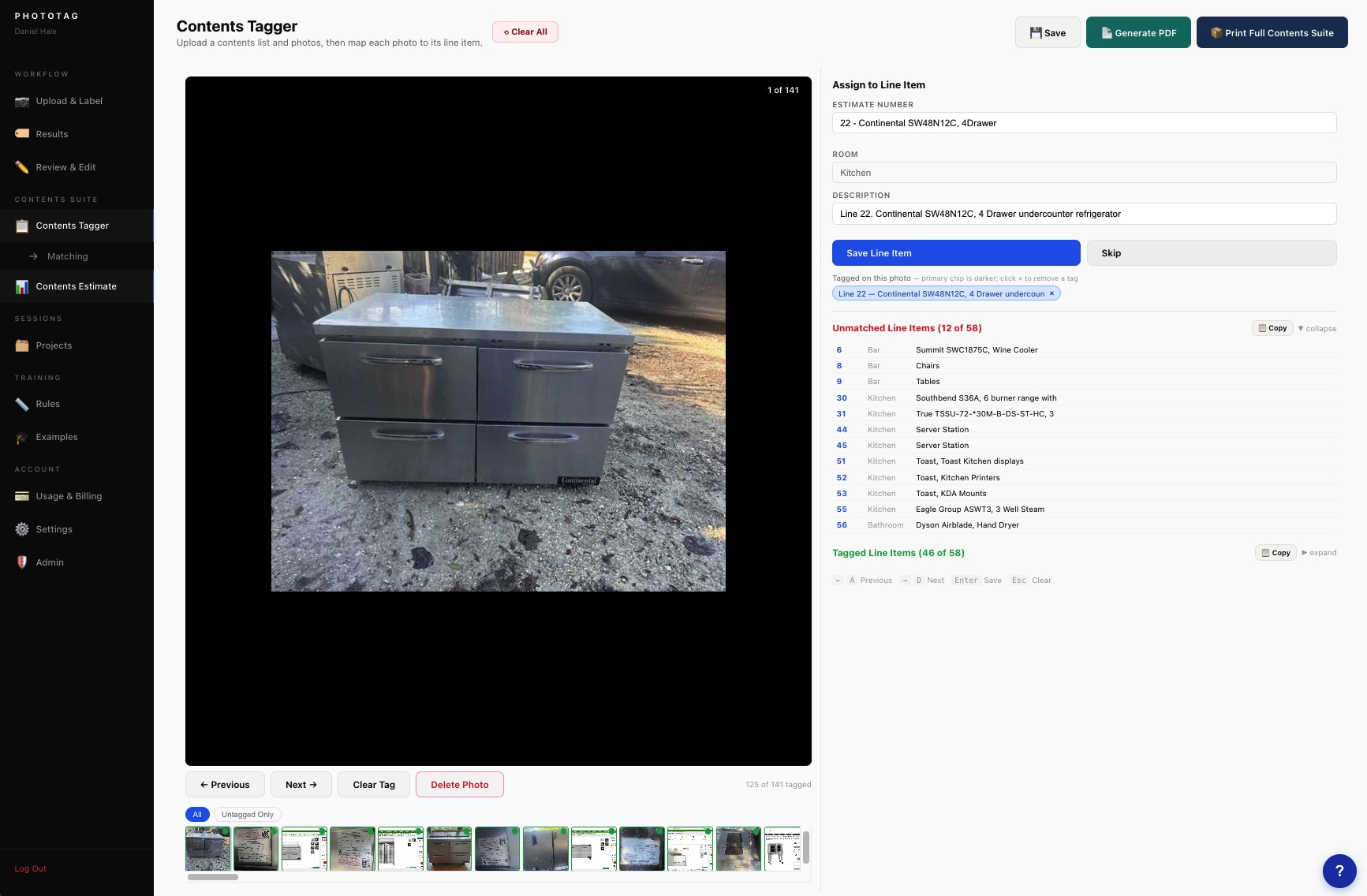
PhotoTag
Labels and organizes the loss photos
INTERNET · NO PII
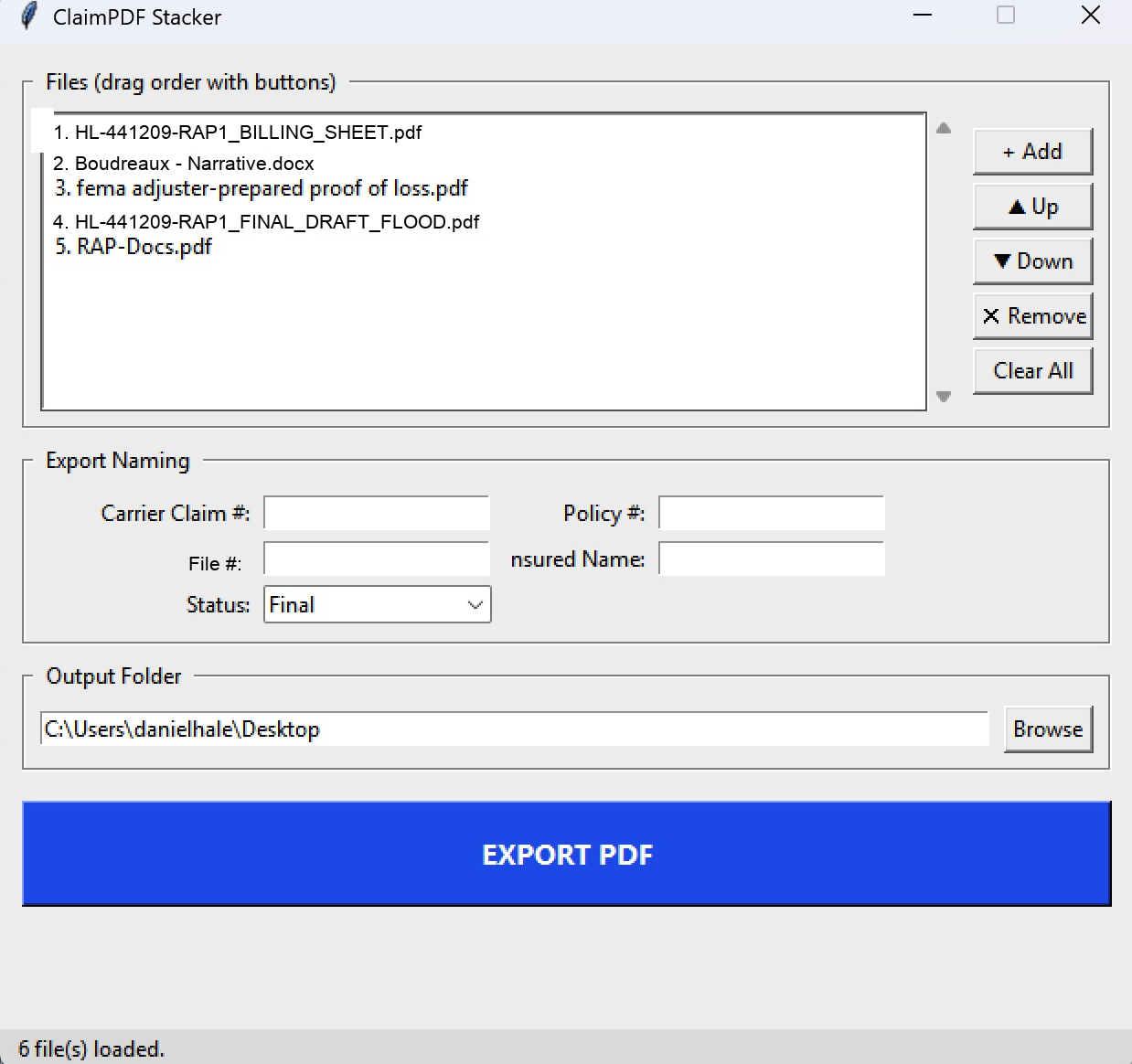
PDF Stacker
Assembles the ordered packet for the file
RUNS LOCAL
Tax Info Lookup
Jurisdiction and tax detail at settlement
INTERNET · NO PII
Reference Layer
AnythingLLM + Obsidian — guidelines and SOPs, answerable in plain language
RUNS LOCAL
Field Survey
Emailed to the policyholder; answers file back to the claim
IN DEVELOPMENT
Field App
On-site detail for the preliminary report and proof of loss
IN DEVELOPMENT
Contents Estimating
Contents tagging to full estimate — RCV, ACV, depreciation
IN DEVELOPMENT
Mileage & Time Log
RouteBook drives become per-claim mileage and time for the fee bill
IN DEVELOPMENT

The tools that reach the internet carry only the limited, non-personal fields their job needs — the jurisdiction detail behind a tax lookup, for instance. The claim file itself stays in ClaimFlow.

Tools

Notes and downloads

Two tools ship as standalone Windows apps, linked below.

ClaimFlow

In productionSystem of record

The claims management layer, with its own API. The single source of true information for the claim. Tracks status across the file and gives the rest of the suite one place to read from and write to. Notice-of-loss parsing is built in.

Notice of Loss Parser

In productionIntake

Takes an assignment email or PDF and extracts the claim fields — insured, loss type, date of loss, policy and claim numbers, carrier contacts. Built into ClaimFlow, and also available as an independent Windows app that runs on its own.

Download for Windows — NoticeOfLossParser.exe (9 MB)

Form Wizard

In productionDocumentation

Fills carrier and state forms from the parsed claim data. One source of truth for the claim fields means the same values land on every form, without transcription errors.

RouteBook

In productionField capture

Voice assistant for the truck. Captures inspection notes, next steps, and route details hands-free, and files them to the correct claim.

PhotoTag

In productionField capture

Imports and labels loss photos at volume, then organizes them into the structure the packet expects.

Tax Info Lookup

In productionSettlement

Returns the jurisdiction and tax detail a settlement needs from a single lookup, replacing manual county-site searches.

In development

Field Survey

In developmentClaimFlow · Policyholder

A short survey emailed to the policyholder from ClaimFlow; their answers file straight back onto the claim. The email itself carries no personal information — PII stays reserved to ClaimFlow.

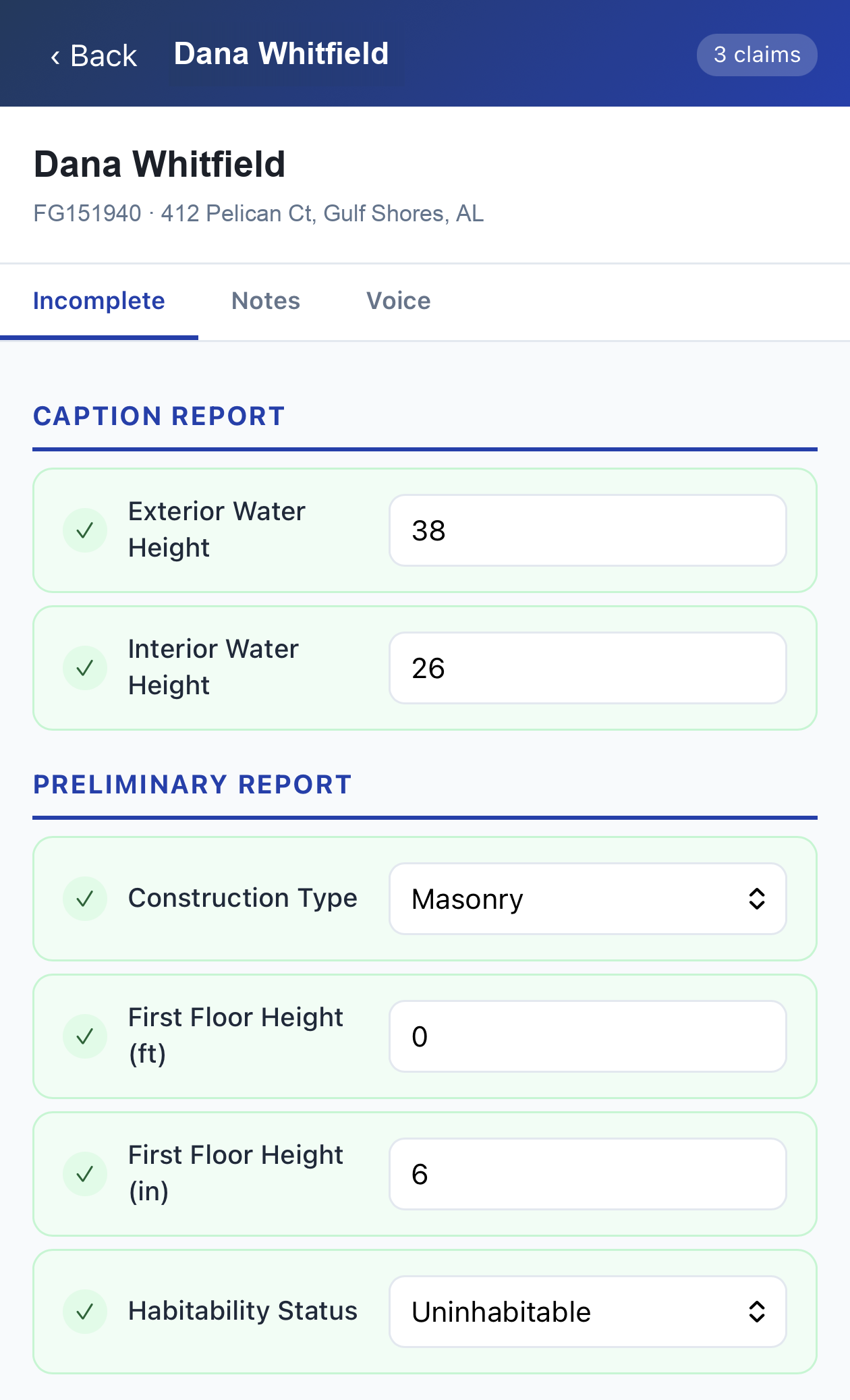
Field App

In developmentClaimFlow · On site

Captures what neither the loss notice nor the survey covers — the details gathered on site — and feeds the preliminary report and the proof of loss. Same rule as the survey: PII stays reserved to ClaimFlow.

Contents Tagging & Estimating

In developmentPhotoTag · Contents

Extends PhotoTag into contents work: tags contents items for the labeled photo report, then builds a full contents estimate — RCV, ACV, depreciation, line notes referencing the photos — without a trip through Xact Contents.

Mileage & Time Log

In developmentRouteBook · Billing

Turns RouteBook's drive and site captures into per-claim mileage and time records, ready for the fee bill. Nothing extra to track — the log is a byproduct of the day's work.

Reference layer — AnythingLLM + Obsidian

In productionReference

Carrier guidelines, price list notes, SOPs, and manuals live in an Obsidian vault with AnythingLLM on top, searchable and answerable in plain language. Runs locally; consulted at any stage rather than being a stage itself.

Data handling

Operating rules

Claim files are sensitive. These rules apply to every tool in the suite.

RULE 01

Demos are synthetic only

Every demonstration runs on a synthetic claim packet — invented insured, invented address, photos with nothing identifying in frame. This includes demos requested against your own files.

RULE 02

The claim file stays local

ClaimFlow and the claim file live on your machine. The tools that do reach the internet — RouteBook, PhotoTag, Tax Info Lookup — carry only the limited, non-personal fields their job needs. No PII leaves the machine.

RULE 03

Client owns the result

On completion of an engagement, source and assets transfer to the client. No lock-in and no licensing terms beyond that — the same as every other Hale Group engagement.

Contact

Questions or a walkthrough

A walkthrough runs one synthetic claim through the full system, start to finish, and takes about fifteen minutes.

daniel@halegroup.ai